End-to-End and Visual QA for Personal Websites
A practical quality loop for static personal sites: verify the publication boundary, exercise critical routes, and review desktop and mobile rendering.
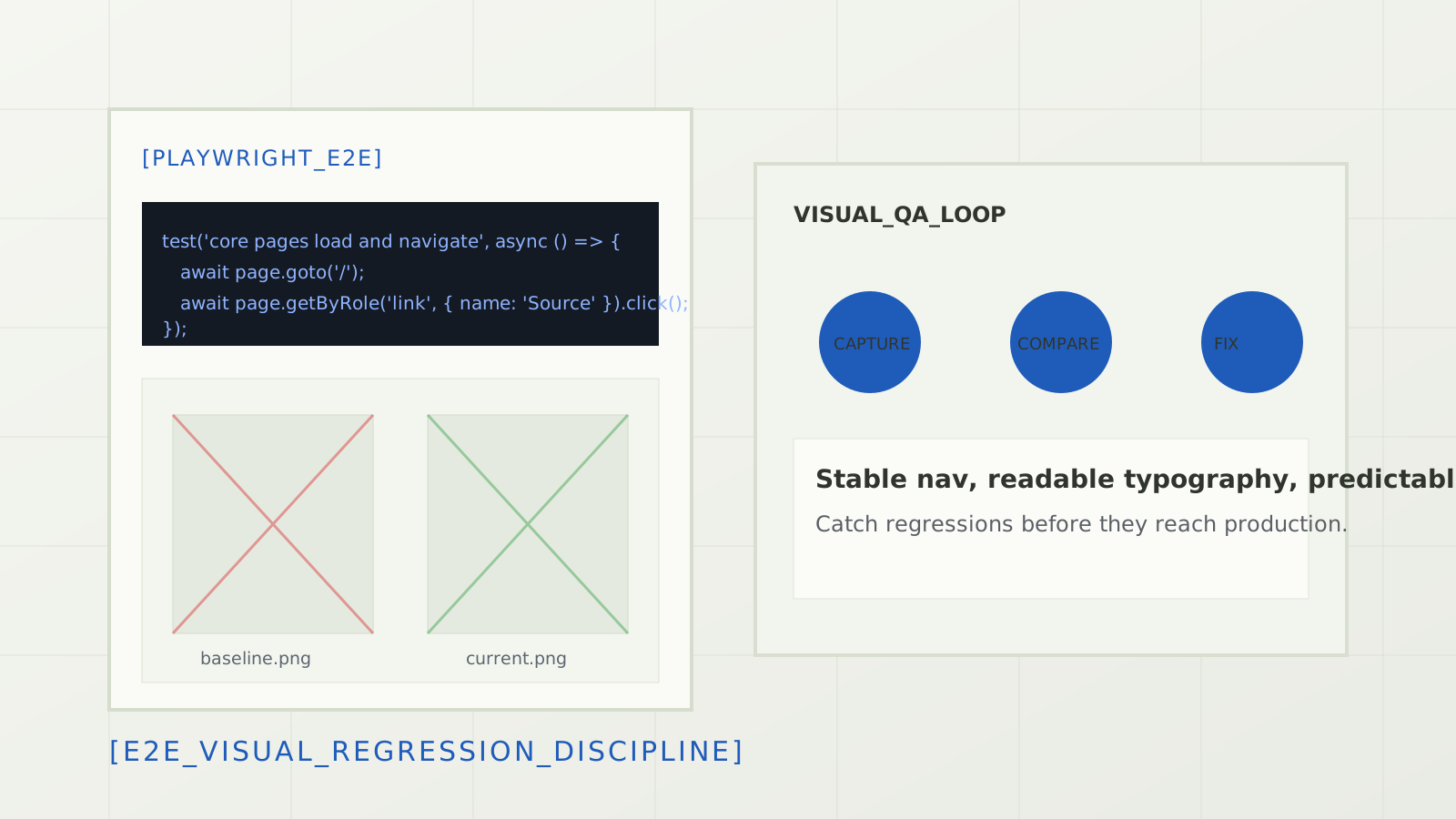
[systems debrief] 5 sections
A personal website is still a product surface. A broken résumé link, an empty blog feed, or a mobile navigation overlap can undermine the credibility of an otherwise strong portfolio. Because the site is small, the quality loop can also stay small—as long as it checks the artifact that will actually be published.
My current loop combines deterministic publication checks, route-level end-to-end tests, and desktop/mobile visual review. Each layer catches a different class of mistake.
01. Test the built site, not the repository
This site has authoring tools and a SQLite database that must never be public. Serving the
repository root can make a local preview look healthy while accidentally testing files that the
deployment should exclude. The first rule is therefore to build a fresh dist/
artifact and serve that directory.
npm run verify
npm run test:e2e
The publication verifier also rejects unexpected files, hidden posts, authoring routes, database files, and stale generated pages. That boundary check is as important as confirming that the homepage returns HTTP 200.
02. Functional checks cover the credibility path
I exercise the routes a visitor is likely to use: home, portfolio, about, contact, résumé, the blog index, and every generated post page. The useful assertions are about behavior, not just status codes.
- Desktop and mobile navigation expose the same core destinations.
- Internal links resolve inside the built artifact.
- The résumé and portfolio surfaces contain their expected primary content.
- The blog can search, filter, load more entries, share, and store bookmarks locally.
- Generated post pages expose canonical metadata, article content, and adjacent navigation.
- The contact form accepts input and preserves its intended mail action.
These checks are deliberately user-facing. A successful build proves that files were produced; it does not prove that the visitor can reach or use them.
03. Visual review answers different questions
Functional tests can miss a heading hidden behind a sticky bar, a hero image cropped around the subject, or a card grid that collapses awkwardly at a narrow width. I capture representative desktop and mobile screenshots after the functional state is stable, then inspect typography, clipping, spacing, contrast, and media treatment.
The visual pass looks for:
- navigation that overlaps, disappears, or wraps unexpectedly;
- text clipped after a content or font change;
- images loaded at the wrong aspect ratio or resolution;
- layout assumptions that work on desktop but fail on a phone;
- focus, hover, and selected states that are hard to distinguish.
A screenshot is evidence, not an assertion by itself. The review still needs an expected state and a human decision about whether the change is intentional.
04. Keep external failures separate
Third-party links can rate-limit an automated check or return different results by region. I report those separately from internal route failures. A LinkedIn response problem should not be presented as proof that the local blog is broken, and a green internal suite should not be presented as proof that every external service is available.
05. The operating loop
- Build a fresh, allowlisted publication artifact.
- Run deterministic and publication-boundary checks.
- Serve the artifact and exercise critical routes at desktop and mobile widths.
- Review screenshots for layout regressions the assertions cannot see.
- Patch the observed problem, then repeat the smallest relevant checks.
The result is not heavyweight QA. It is a short feedback loop tied to the real deployment boundary—which is exactly what a frequently changing personal site needs.